
User Guide
Introduction
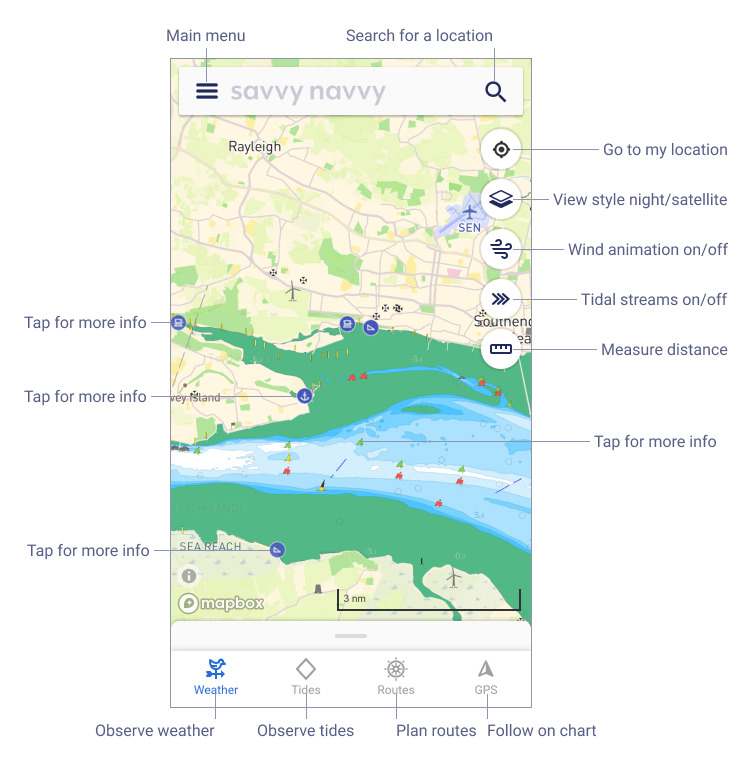
This is the main application screen of Savvy Navvy. As is a nautical navigation app the chart is the most important view. The chart behaves like most map apps you can pinch to zoom in and out and scroll the map by dragging. If you are not using a touchscreen then onscreen controls will be available instead of gestures and you can zoom using the mouse wheel.
Note not all features are available on all plans if you can’t see the feature then your plan doesn’t have it.
There is also a detailed knowledge base that has more detailed answers about specific features and questions.